Why CRM matters today
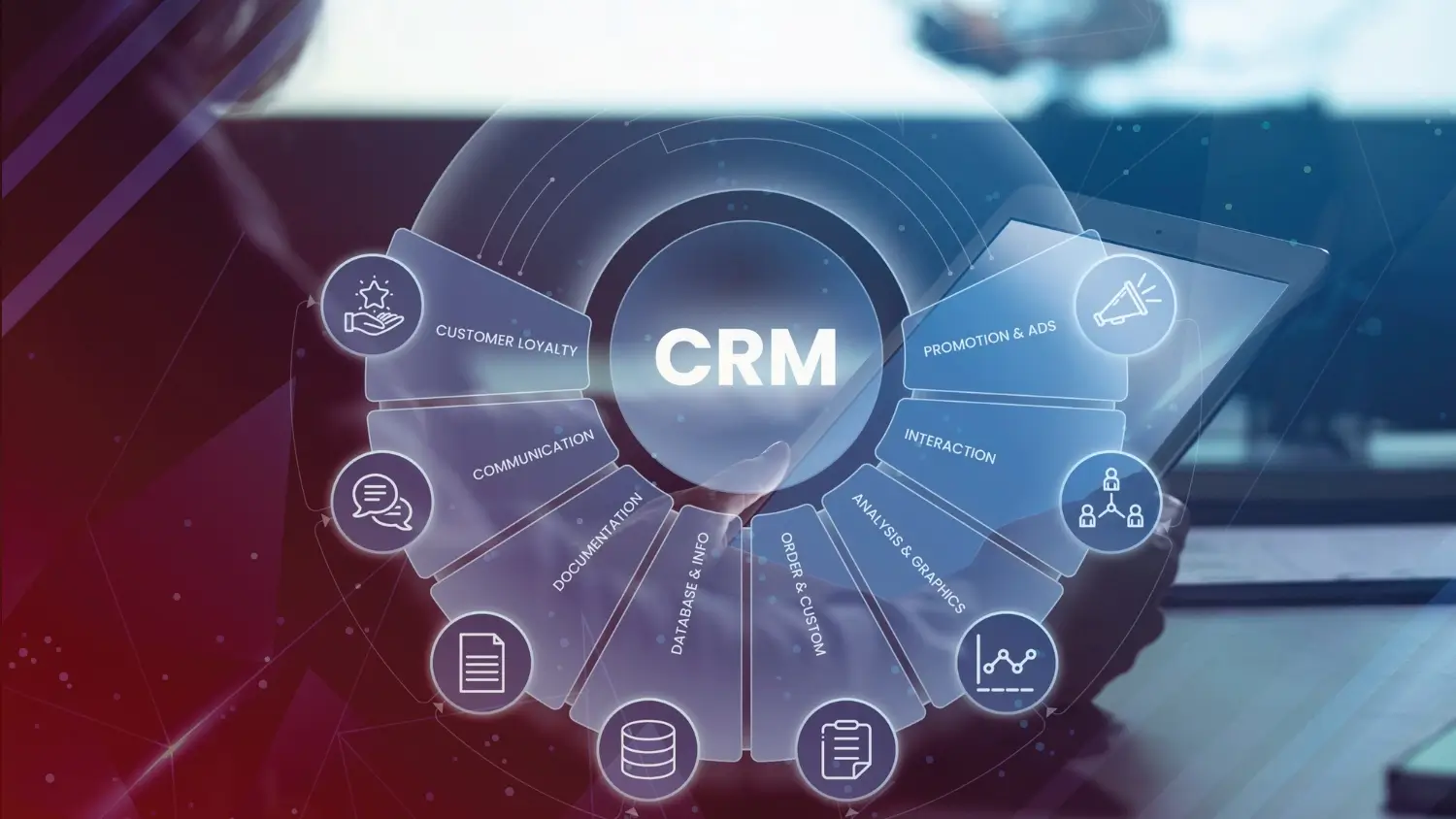
A modern Customer Relationship Management (CRM) platform is the nerve center for sales, marketing, and customer success. Beyond storing contacts, CRMs automate workflows, surface sales signals, align teams, and increasingly embed AI to predict outcomes and speed tasks. Choosing the right SaaS CRM can reduce churn, accelerate deals, and make your small team operate like a well-oiled sales machine. Recent industry coverage highlights that CRM vendors are rapidly integrating AI and refining pricing as buyer needs change.
At-a-glance comparison (quick summary)
- Salesforce – Enterprise-grade, unmatched customization & ecosystem; higher cost but hyper-scalable.
- HubSpot CRM – Best free entry & integrated marketing stack; great for inbound-driven teams and startups.
- Zoho CRM – Feature-rich and affordable; strong for SMBs that want many built-in apps.
- Pipedrive – Pipeline-first UX; excellent for small sales teams focused on deal flow.
- Freshsales (Freshworks CRM) – Intuitive, good free tier and AI add-ons; positioned for small to mid-market.
- Microsoft Dynamics 365 Sales – Best when you need deep Microsoft 365 and LinkedIn integration at enterprise scale.
Deep dive: Platform profiles
Salesforce
Who it’s for: Mid-market to enterprise teams that need extreme customization, vertical solutions, and a huge app marketplace.
Key strengths: Powerful automation, robust reporting, extensive integrations, and a mature partner ecosystem. Salesforce is also evolving AI pricing and agentic AI offerings, reflecting the market shift toward AI-enabled CRM features.
Pricing snapshot: Salesforce offers multiple suites and editions; entry-level CRM suites start around $25/user/month, while sales-focused editions typically scale higher depending on AI and add-ons. Expect implementation and customization costs in enterprise deals.
HubSpot CRM
Who it’s for: Startups, small businesses, and inbound marketing teams that want a generous free CRM and a growth path into marketing and service hubs.
Key strengths: A forever-free CRM with contact management, email templates, meeting scheduling and basic automation. Paid “Starter” bundles expand marketing and sales capabilities affordably.
Pricing snapshot: Core CRM is free; Starter bundles begin at modest monthly rates (e.g., HubSpot Starter Customer Platform examples show $20/month bundles), while professional tiers increase based on contact counts and features.
Zoho CRM
Who it’s for: Cost-conscious SMBs and teams that want many built-in apps with flexible pricing.
Key strengths: Wide feature set across sales automation, analytics, and multi-channel engagement with strong native integrations across the Zoho suite.
Pricing snapshot: Zoho offers a free tier for small teams (limited users) and tiered paid editions; pricing is often more affordable per-user versus larger vendors. Exact editions and regional pricing are on Zoho’s pricing page.
Pipedrive
Who it’s for: Sales-first SMBs who prioritize pipeline visibility and simplicity.
Key strengths: Intuitive pipeline interface, activity-driven sales process, and straightforward reporting. Pipedrive redesigned plans in 2025 to match growth stages (Lite → Ultimate).
Pricing snapshot: Pipedrive offers tiered plans (Lite, Growth, Premium, Ultimate) with per-user pricing that’s competitive for small to medium teams; implementation may be free for some plans.
Freshsales (Freshworks CRM)
Who it’s for: Small to mid-market teams wanting an easy setup, integrated support tools, and AI capabilities.
Key strengths: Freshsales emphasizes usability, includes a free plan, and offers AI (Freddy) capabilities as add-ons. Freshworks has been active in M&A and investments to expand AI and product breadth.
Pricing snapshot: Has a free tier; paid plans start from low single-digit USD per user per month for basic tiers and scale to higher enterprise pricing with add-ons.
Microsoft Dynamics 365 Sales
Who it’s for: Enterprises already invested in Microsoft 365 and Azure who need deep platform integration and advanced sales intelligence.
Key strengths: Strong Microsoft ecosystem integration, LinkedIn Sales Navigator tie-ins, and enterprise security/compliance.
Pricing snapshot: Dynamics Sales Professional typically lists around $65/user/month; Enterprise editions and premium AI features cost more and sometimes require minimum seat purchases. Always check region-specific pricing and licensing guides.
Feature checklist: what to compare when evaluating CRMs
Use this checklist to compare apples-to-apples:
- Core sales features: contact & deal management, pipeline stages, activity tracking.
- Automation & workflows: rules, lead scoring, routing.
- Reporting & analytics: custom reports, dashboards, forecast tools.
- Integrations: email, calendar, marketing tools, ERP, telephony.
- Customization: custom objects, fields, page layouts, API access.
- AI & automation maturity: predictive scoring, generative AI assistants.
- Security & compliance: SSO, data residency, SOC/ISO certifications.
- Support & onboarding: training, partner ecosystem, implementation services.
Map each vendor’s strengths against your top three “must-haves” before you pilot.
Pricing & total cost of ownership (TCO) considerations
Initial list price is only the beginning. TCO includes:
- Subscription fees (per-user, per-month or annually). Use vendor pricing pages for current lists.
- Implementation & consulting-customization, migration, and integrations. Enterprise CRMs (Salesforce, Dynamics) typically carry higher implementation fees.
- Add-ons & AI packs-many vendors now sell advanced AI, automation, or analytics as extra line items.
- Change management-training time, lost productivity during cutover, and ongoing admin costs.
Always model a 12–36 month TCO with scenarios for growth (more users, more contacts, extra modules) to avoid sticker shock.
When to choose which CRM – recommended use-cases
- Choose Salesforce if you need extreme customization, complex processes, or industry-specific solutions and you can budget for premium implementation.
- Choose HubSpot if you want a frictionless free entry, integrated marketing tools, and easy onboarding for small teams.
- Choose Zoho if budget matters and you want a broad suite of integrated apps without many third-party subscriptions.
- Choose Pipedrive if pipeline visibility and fast seller adoption are your top priorities.
- Choose Freshsales if you want simple setup, a free tier, and AI add-ons at SMB pricing.
- Choose Dynamics 365 if you’re deeply invested in Microsoft tools and need enterprise-grade controls and integrations.
Implementing a CRM successfully: tips & common pitfalls
Tips
- Start with a tight scope: define key fields, pipelines, and reports you absolutely need.
- Clean and deduplicate data before migration.
- Pilot with a small sales pod and iterate.
- Train and incentivize adoption – an abandoned CRM is worse than none.
Pitfalls to avoid
- Over-customizing before you understand real user workflows.
- Ignoring reporting needs until after go-live.
- Not budgeting for integrations and ongoing admin time.
Future-proofing: AI, integrations, and the ever-evolving SaaS landscape
CRM vendors are rapidly adding AI assistants, predictive lead scoring, and workflow automation. Expect pricing models to continue adapting (seat-based vs consumption-based AI pricing), and evaluate vendors on their API openness and partner ecosystem. Keep an eye on industry analyses and vendor roadmaps as your business scales-these signals will tell you whether a CRM can evolve with you.
FAQs
Which CRM is best for startups on a tight budget?
For many startups, HubSpot’s free CRM is an excellent starting point because it provides contact management, email tracking, and basic automation at no cost. As needs grow, HubSpot’s paid Starter bundles scale predictably.
How much should I budget per user per month for a CRM?
Expect very different ranges: from free (HubSpot/Zoho free tiers) to $10–$40/user/month for many SMB plans (Zoho, Freshsales, Pipedrive) to $65+/user/month or much higher for enterprise suites (Dynamics, Salesforce with add-ons). Always check vendor pricing pages for region-specific rates.
Is switching CRMs later expensive?
It can be. Data migration, re-training, and rebuilding integrations add cost. Choose a CRM with exportable data, clear APIs, and a migration plan to reduce friction.
Should I pick a CRM based on features or ecosystem?
Both. Features solve immediate problems; an ecosystem ensures long-term extensibility. If you anticipate complex integrations (ERP, telephony, bespoke apps), prioritize a mature ecosystem (Salesforce, Dynamics).
How important is vendor roadmap and AI strategy?
Very. Vendors investing in AI and acquisitions are likely to deliver more automation and intelligence over time. Track vendor announcements and product roadmaps when deciding.


